


Quick tip…To change the exposure of a sunset photo (or any photo) tap the screen in the dark or light areas. This will make the exposure longer or shorter depending on which area you tap.
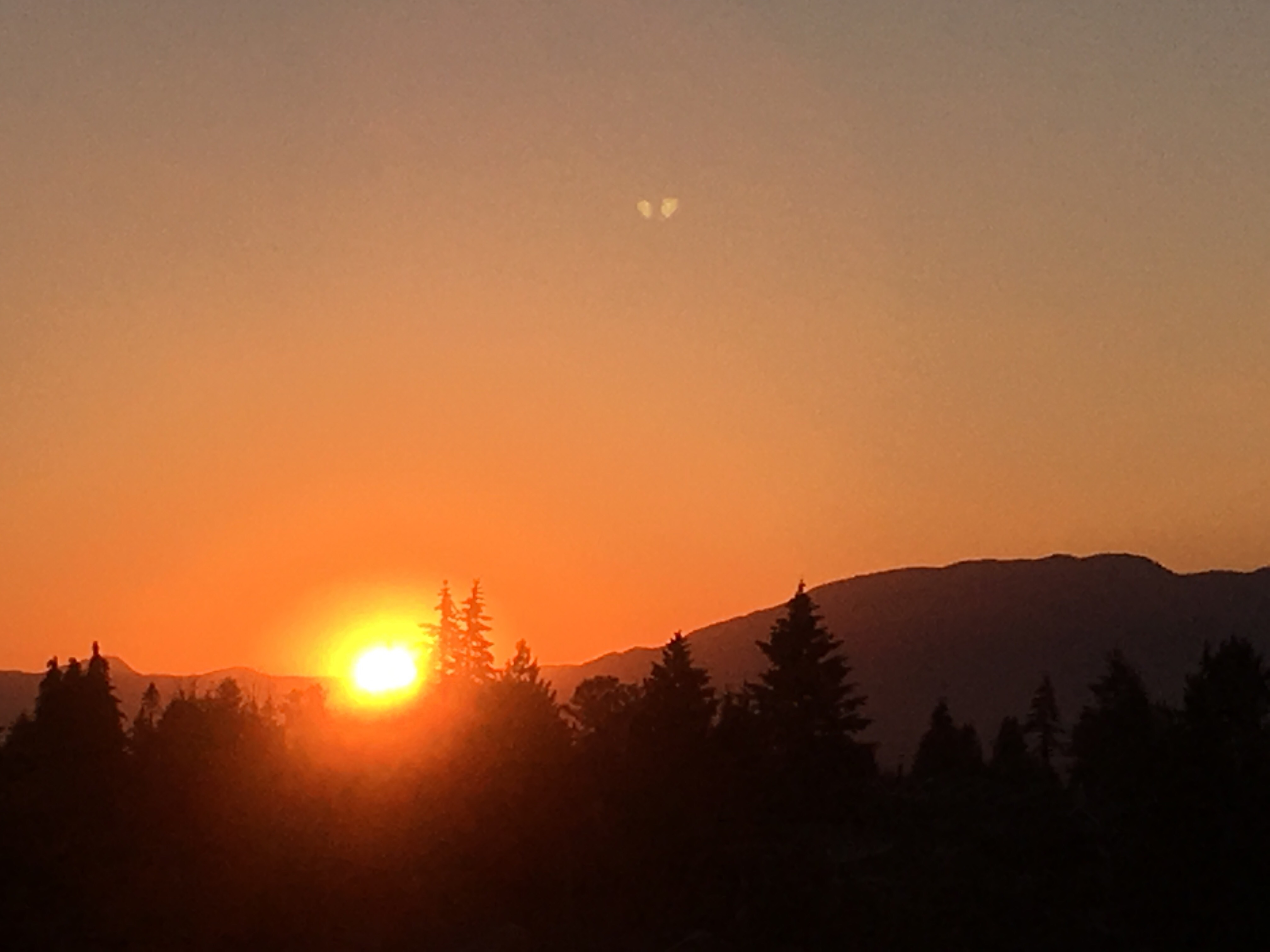
Tap the the screen in the lightest area for a shorter exposure time and the shadow areas will be darker. Tap the darker areas for a longer exposure and the darker areas will be lighter.
In the photo below I tapped the lightest area (the sun). Notice the shadow areas are pretty much totally black.

 Creativescans